

Surface Book 1 & 2 Tablet Battery Replacement Service
Surface Book 1 Model Numbers: 1703
Surface Book 2 Model Numbers: 1832
Battery Location: Tablet (screen) section
Turnaround: 1 day in Mission Viejo, CA • 1-2 days for mail-in
Availability: In Stock
Microsoft Surface Book 1 & 2 Tablet Battery Replacement
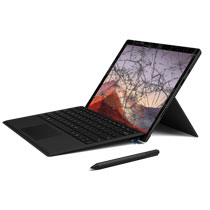
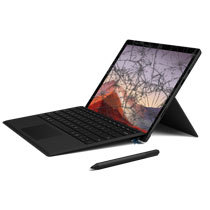
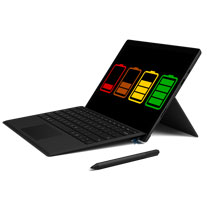
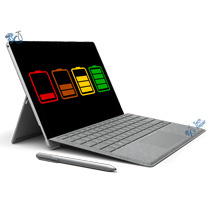
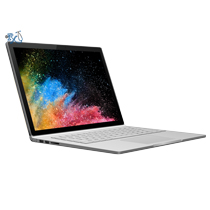
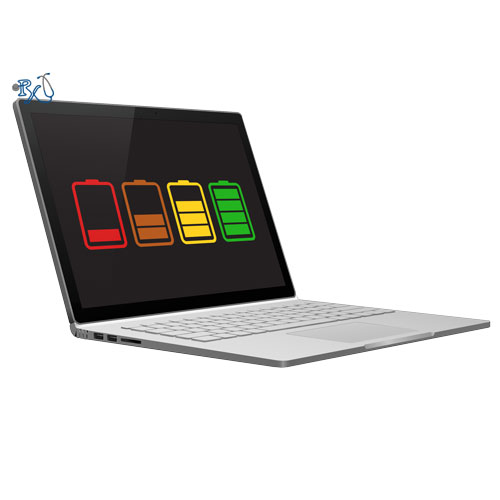
This repair service will replace the tablet (clipboard) battery on your Surface Book 1 or 13.5" Surface Book 2. The Surface Book has two batteries: one in the detachable tablet behind the screen, and a second, larger one in the keyboard base. This service replaces the battery in the tablet section, which powers the Surface Book whenever the screen is detached from the keyboard and is usually the first battery to wear out. It is compatible with Surface Book 1 model 1703 and Surface Book 2 model 1832, regardless of processor, RAM or storage configuration. The tablet battery is a roughly 18 watt hour, 7.5V lithium ion pack. You may notice the tablet only lasts a few minutes when detached, shuts off as soon as you pull it from the base, or refuses to detach because Windows reports the tablet battery is too low. You may also see the total battery percentage drop much faster than it used to, or the battery stuck at a certain percentage and not charging. A new tablet battery should fix these problems. If your Surface Book screen is lifting away from the frame or bulging, it is most likely due to the tablet battery swelling. If your battery is expanding and pushing up the screen, stop using the device and get it replaced as soon as possible because it could potentially be dangerous. Note: The battery is located behind the display, so the screen has to be removed to complete this repair. If your screen is cracked we will not be able to do this repair at this cost as the screen would have to be replaced as well. Please call or message us if this is the case for a special order.
Ship your Surface Book to us from anywhere in the US!
Simply buy the repair using any credit card or Apple Pay using the link below the price above, ship your Surface Book to us, and we'll take care of the rest! Most devices get fixed 1-2 days from when they arrive. We also cover return shipping to you for free via standard shipping. Shipping directions can be found on the bottom of any page in our website under Customer Service > Shipping. We accept shipments from USPS, UPS and FedEx.
Get your Surface Book battery repair done in one day in Orange County, CA!
This Surface Book tablet battery repair can typically be done in one day at our location in Orange County. Feel free to come to our physical store in Mission Viejo if you are close by.
Let our experienced technicians fix your device.
Our technicians have done over 30,000 mobile device repairs so your Surface Book is in good hands.
Troubleshooting your Surface Book battery?
Try these quick tips before sending your Surface Book in:
- Check the battery health: Open Command Prompt and type powercfg /batteryreport. Open the report it creates and compare the "Full Charge Capacity" to the "Design Capacity" for each battery. The tablet battery is usually the smaller of the two. If it is well below its design capacity, the battery is worn out.
- Force a restart: Press and hold the power button for 20 seconds until the Windows logo appears, then let go. This can clear a battery that appears stuck at a certain percentage or not charging.
- Check the charger and connector: Make sure the light on the Surface Connect charger tip is on. Gently clean the charging port and connector pins with a dry cotton swab and try a different outlet or charger if you have one.
- Charge with the tablet attached: The tablet battery only charges while it is docked on the keyboard base or plugged in directly. Leave it docked and charging for at least an hour if it won't detach or power on.
- Update your Surface Book: Install the latest Windows Updates, which include Surface firmware and drivers that manage charging between the tablet and base batteries.
- Watch for swelling: If the screen is lifting, separating from the frame, or has a raised spot, stop using and charging the device and bring it in right away.
Surface Book 1 & 2 Tablet Battery Replacement FAQ
How much does a Surface Book 1 & 2 Tablet Battery Replacement cost?
The Surface Book 1 & 2 Tablet Battery Replacement at RxTech Repair is $299, including parts and labor. Mail-in repairs include free standard return shipping.
How long does a Surface Book 1 & 2 Tablet Battery Replacement take?
Local repairs at our Mission Viejo, CA shop are usually done in one day. Mail-in repairs are usually fixed within 1-2 days of arriving and are sent back with free standard shipping, or faster with expedited return shipping.
Can I mail in my Surface Book 1 or 2 for repair?
Yes. Buy the repair on this page, ship your Surface Book 1 or 2 to RxTech Repair from anywhere in the US using USPS, UPS or FedEx, and we'll repair it and ship it back to you. See our shipping directions.
When should I replace my Surface Book 1 or 2 battery?
Replace the battery if it only lasts an hour or two, drains quickly, won't charge, the device shuts off when unplugged, or the screen is lifting or bulging from a swollen battery. A swollen battery can be dangerous, so stop using the device and get it replaced right away.
Will I lose my data with a battery replacement?
No. A battery replacement doesn't touch your storage, so your files and apps stay on the device. We still recommend backing up important files before any repair.
Which Surface Book 1 or 2 models does this repair work on?
This repair works on Surface Book 1 or 2 model numbers 1703, 1832. The model number is printed on the device; on Surface Pro and Surface Go it's under the kickstand.